

The CEO’s Step-by-Step Guide to Automating Financial Operations
Financial operations that rely on manual processes cost growing businesses time and money every day. CEOs juggling multi-entity accounting know the frustration of delayed closes and inaccurate reports all too well. This guide breaks down how to modernize your financial operations with automation, delivering faster closes, clearer cash flow forecasting, and real-time financial dashboards—helping you regain control and make smarter decisions.
Assessing Your Current Financial Operations
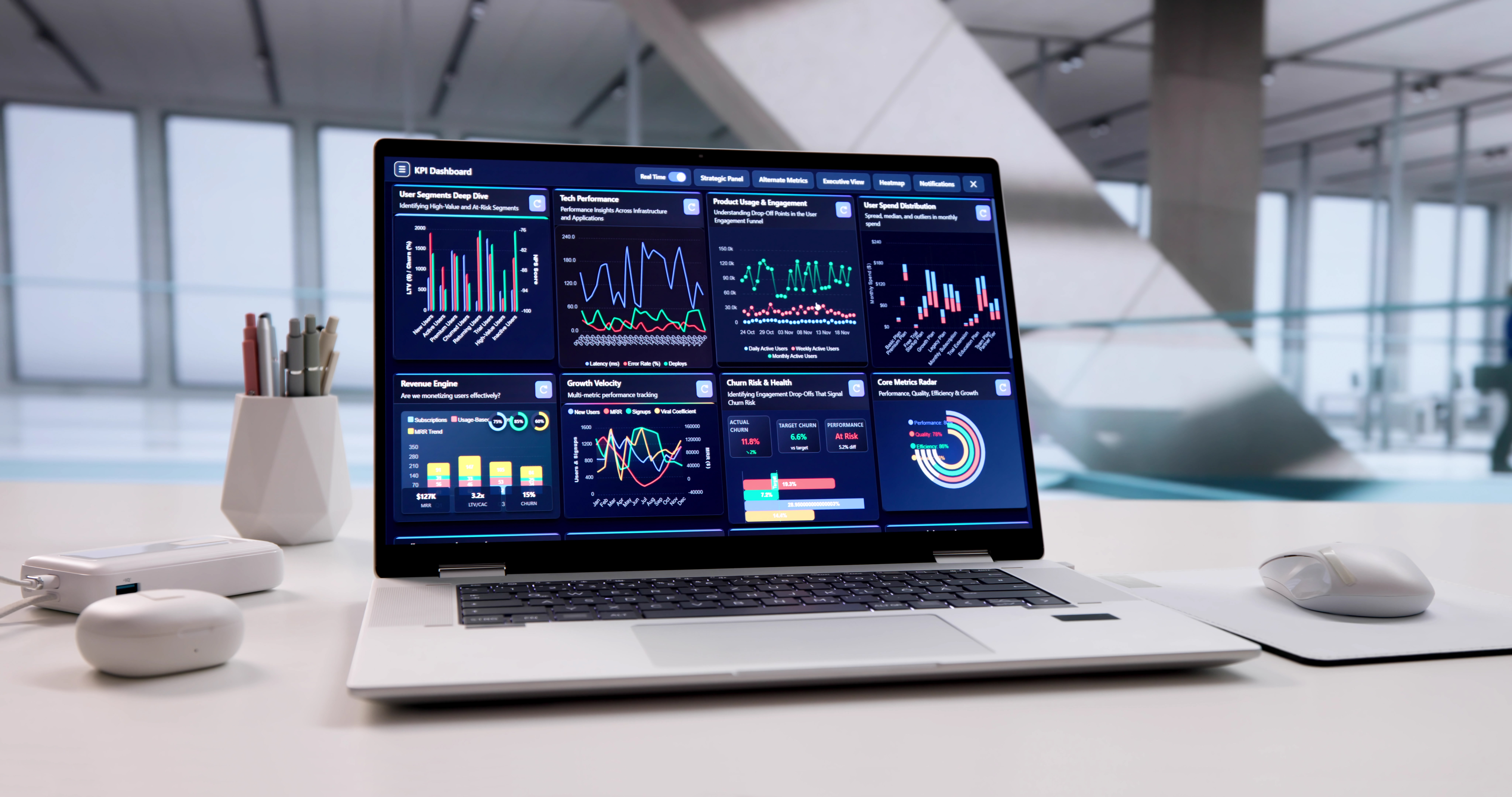
Before diving into automation, it’s crucial to understand where you stand. Assessing your current financial operations helps pinpoint inefficiencies and areas ripe for improvement.
Identifying Automation Opportunities
Unlocking potential starts with identifying key areas needing change. Is manual data entry consuming your team’s time? Are errors in reporting leading to costly decisions? Spotting these issues is the first step. Consider how tasks like accounts payable and accounts receivable might benefit from automation. Not only can this reduce errors, but it can also speed up processing, freeing your team for more strategic tasks.
Once you’ve diagnosed pain points, think about the tools that could help. For example, using cloud accounting platforms can simplify bookkeeping by automatically syncing transactions. This reduces manual entry and improves real-time visibility. As you evaluate, remember: the goal is to minimize bottlenecks and improve the bottom line.
Evaluating Existing Financial Processes
Next, evaluate how your current processes align with your business goals. Are your systems supporting growth, or are they hindering it? Examine each step of your financial workflow. Assess whether your close processes are as efficient as they could be. How often do discrepancies require revisiting?
Gather input from your team; they often know where hang-ups occur. This feedback is invaluable for spotting areas where workflow automation can make a significant impact. The more streamlined your current processes, the smoother transition to automation will be.
Designing Your Automation Strategy

With a clear view of your current operations, it’s time to design an automation strategy. This ensures the tools you choose truly support your business goals.
Selecting the Right Finance Tech Stack
Choosing the right tech stack is about finding the best match for your needs. Not every tool suits every business, so assess options like virtual CFO platforms or financial dashboards. The right technology should integrate smoothly with existing systems, enhancing rather than complicating workflows. For instance, if you’re dealing with multi-entity accounting, look for solutions that offer consolidated reporting and robust intercompany transactions support.
Consider scalability. As your business grows, your tech needs will evolve. Opt for flexible platforms that can adapt to increased complexity and volume. This foresight prevents future disruptions and ensures long-term efficiency.
Building a Financial Automation Roadmap
A well-planned roadmap turns strategy into action. Start by setting clear objectives: faster closes, improved accuracy, or better cash flow forecasting. Break these goals into actionable steps. Map out how each stage of the automation journey will unfold.
Prioritize quick wins. Implementing small changes first can build momentum and demonstrate value to stakeholders. Engage your team in this process; their buy-in is essential for successful adoption. Throughout, maintain focus on the ultimate benefit: a streamlined, cost-effective financial operation that supports strategic decision-making.
Implementing Finance Automation Solutions

Once your strategy and roadmap are in place, it’s time to implement solutions. This phase transforms plans into operational improvements.
Executing Workflow Automation and KPI Reporting
Begin execution by automating repeatable tasks. Think of processes like invoice approvals or expense tracking. These not only speed up operations but also reduce error rates significantly. Implementing KPI reporting tools provides real-time insights into financial health, enabling proactive management decisions.
Use examples from similar businesses to guide configuration. For instance, a retail company might automate its inventory reconciliation, cutting month-end close times by 50%. By focusing on tangible outcomes, you ensure your automation delivers measurable results.
Monitoring and Adjusting for Continuous Improvement
Implementation doesn’t end with deployment. Monitoring is crucial. Regularly review system performance and adjust as needed. Are the expected efficiencies being realized? Are new bottlenecks appearing elsewhere?
Gather user feedback to identify areas for refinement. This ongoing process of evaluation and adjustment ensures your automation strategy remains aligned with business goals. Remember, the landscape of technology and business is always shifting: staying agile is key to maintaining a competitive edge.
By following these steps, you create a robust framework for automating financial operations. This not only saves time and money but positions your business for scalable growth and strategic success.
Ready to gain clarity and strengthen your financial operations? Schedule your strategy call today.