

The Power of KPI Dashboards: Real-Time Finance for Faster CEO Decisions
Most CEOs waste hours chasing outdated reports that miss the mark. Real-time financial data changes that—putting your finger on critical business moves the moment they happen. With a CEO dashboard tailored to your multi-entity structure, you gain clear visibility and faster decisions that keep cash flow tight and growth steady. Let’s break down how to build a KPI dashboard that works for you.
Building a CEO-Ready KPI Dashboard

Creating a KPI dashboard isn’t just about collecting data; it’s about transforming that data into actionable insights. For CEOs, the right dashboard can be a game-changer, providing clarity and direction at a glance.
Selecting the Right Metrics
The journey begins with picking key metrics. You want metrics that align with your goals and give insight into your business health. Start with financial KPIs like revenue growth and cash flow. These are essential for understanding your company’s financial position. Don’t overlook operational metrics like customer acquisition cost or employee productivity. Ask yourself, “What numbers help me make quick decisions?” The answer to that question will guide you. By focusing on these metrics, you simplify complexity and sharpen your focus.
Setting Clear Targets
Once metrics are chosen, setting clear targets is crucial. Targets turn numbers into performance goals. For instance, knowing your cash flow is one thing—aiming to increase it by 20% within six months is another. Targets should be realistic yet ambitious, pushing your team to excel without setting them up for failure. They act as guideposts, providing direction and motivation. As a CEO, these targets help you measure progress and adjust strategies in real time. The longer you wait to define these targets, the harder it is to harness your team’s potential.
Establishing a Reporting Cadence
Regular reporting keeps everyone aligned. Decide how often you’ll review your dashboard—weekly, bi-weekly, or monthly. A consistent schedule ensures you’re always aware of your company’s performance. This rhythm creates a culture of accountability and keeps your team focused on what’s important. Without a regular cadence, even the best dashboards lose their impact. It’s not just about tracking; it’s about creating a habit of review and refinement.
Integrating Dashboards into Leadership Rhythms

Moving from data collection to decision-making requires integrating dashboards into your leadership routine. This step turns your data into a powerful tool for strategic planning.
Weekly Meeting Integration
Weekly meetings are the perfect place to use your dashboard. Begin each session with a review of key metrics. This sets the stage for informed discussions. When everyone sees the same numbers, collaboration improves. You can quickly address issues or seize opportunities. Making this a habit ensures that your team stays aligned with strategic goals. It turns meetings from mundane to meaningful, driving action rather than just discussion.
Encouraging Data-Driven Decisions
A dashboard should influence decisions. Encourage your team to rely on data for strategy shifts. This builds a culture where intuition and data work hand-in-hand. For example, if sales dip, your team should look at customer acquisition costs or lead conversion rates for answers. When data backs your decisions, you reduce risks and improve outcomes. CEOs who embrace this approach often find their teams more engaged and proactive.
Practical Steps to Implement KPI Dashboards
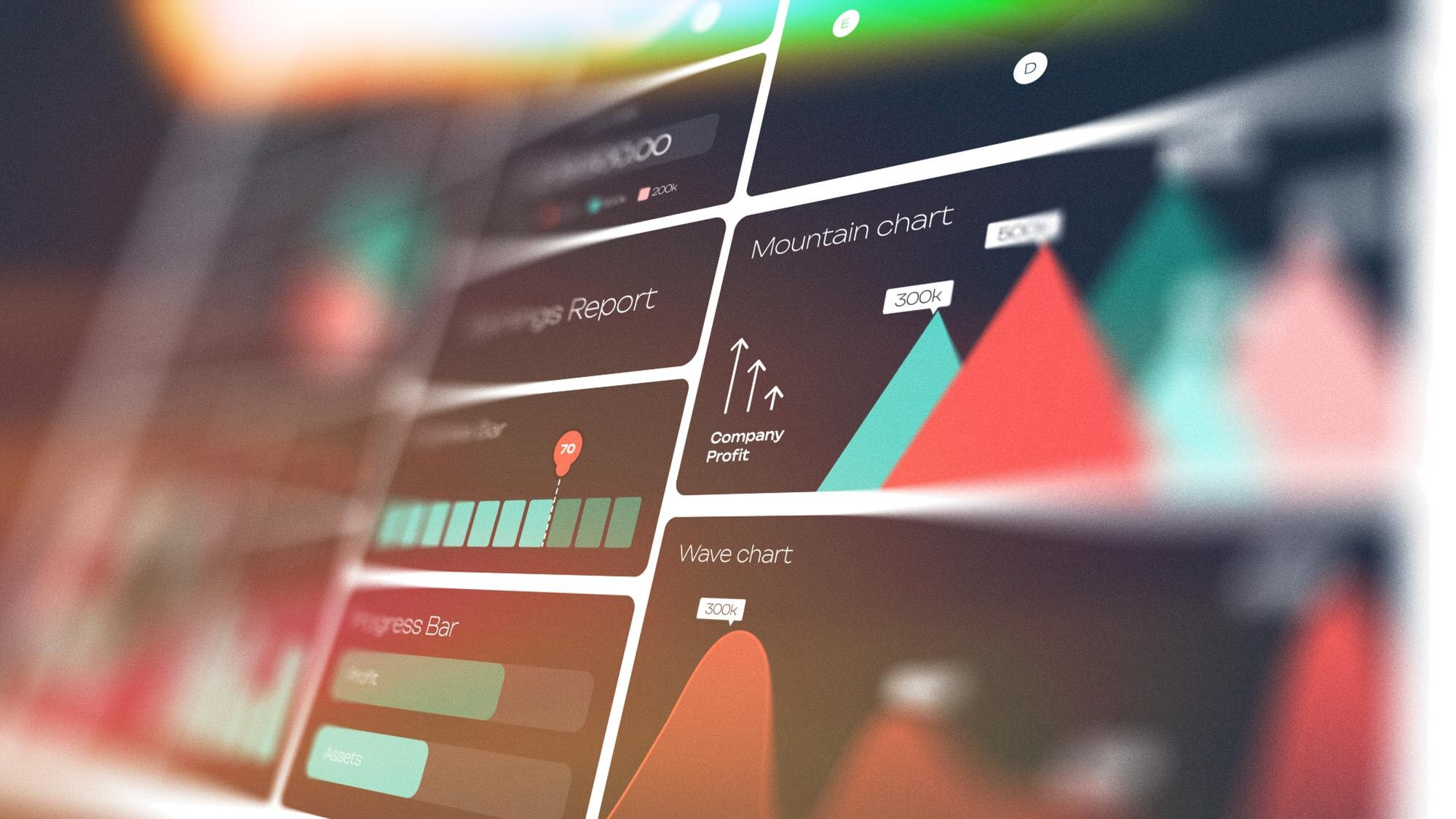
Building a dashboard is as much about the process as the outcome. Let’s explore the practical steps to bring your dashboard to life.
Choosing Your Tech Stack
The right technology makes dashboard creation easier. Consider tools that integrate well with your existing systems. Look for platforms that offer real-time data updates and customizable features. Popular choices include Tableau or Power BI for visualization. Your tech stack should simplify data collection and presentation. Choosing the wrong tools can lead to frustration and inefficiency. A well-chosen stack ensures that your dashboard is both powerful and user-friendly.
Conducting a KPI Audit
Before finalizing your dashboard, conduct a KPI audit. This involves reviewing current metrics and deciding which are still relevant. An audit helps you eliminate unnecessary data and focus on what’s essential. It’s a chance to refine your approach and ensure alignment with business goals. Without this step, you risk cluttering your dashboard with outdated or irrelevant metrics. A thorough audit leads to a cleaner, more effective dashboard, setting the stage for better decision-making.
In conclusion, a well-crafted KPI dashboard empowers CEOs to make informed, swift decisions. By selecting the right metrics, setting clear targets, and integrating dashboards into leadership rhythms, you position your company for success. Remember, the journey to better financial insight starts with the right tools and a strategic approach.
Ready to gain clarity and strengthen your financial operations? Schedule your strategy call today.